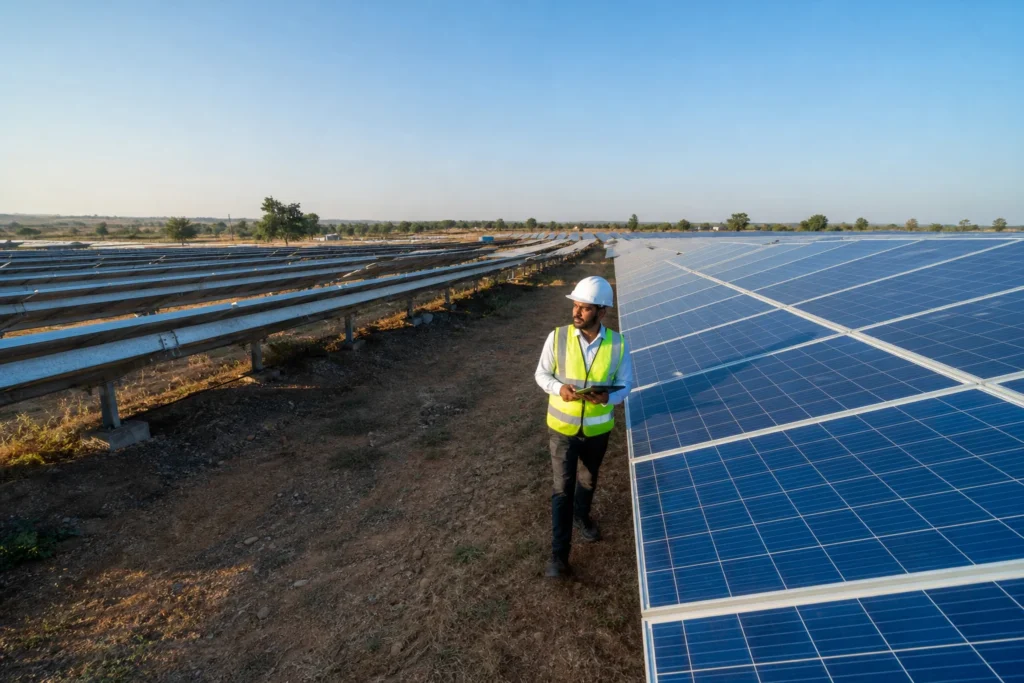
To know solar panel unit generation reliably, compare three independent readings for the same day: the inverter’s own energy counter, a dedicated generation meter on the inverter output, and your monitoring dashboard. If they agree within a couple of percent, your numbers are sound. If the dashboard is lower, a zero export device’s CT or meter is usually the cause, and field tests then confirm the panels themselves.
Key takeaways
-
Three-source rule: read the inverter counter, the generation meter and the dashboard for the same day. Two agreeing sources outvote the third.
-
Zero export devices can mislead: a reversed, misplaced or wrongly scaled CT can make the device throttle the inverter or send wrong figures to monitoring.
-
Curtailment is not a fault: a zero export device cuts output on purpose when site load is low, so a lower figure on a bright day can be correct.
-
Five tests settle doubt: visual inspection, IV curve tracing, thermal imaging, electroluminescence and insulation resistance show whether panels deliver what the meter claims.
-
Schedule by trigger: visual checks each quarter, thermal and IV sampling yearly, insulation tests before each monsoon, electroluminescence only on suspicion.
Solar unit generation at a glance
|
Reading or test |
What it tells you |
Where it goes wrong |
|---|---|---|
|
Inverter energy counter |
Energy produced at the inverter AC output |
Resets after firmware changes or inverter replacement |
|
Dedicated generation meter |
Independent kWh count on the inverter output |
Wrong multiplier or unread display |
|
Monitoring dashboard |
Daily, monthly and string-level trends |
Data gaps, or a feed taken from the wrong meter |
|
Zero export device meter and CT |
Load and grid power used to limit export |
Reversed, misplaced or mis-scaled CT |
|
DISCOM or net meter |
Import and export at the grid connection |
Shows net energy, not what the panels made |
|
Five field tests |
Whether panels and wiring really perform |
Wrong timing, for example thermal scans in weak sun |
Why does a zero export device distort generation readings?
A zero export device distorts readings because it sits between the inverter and the load and works from a current transformer (CT) measurement at the grid connection. If the CT is reversed, on the wrong phase, wrongly scaled or clamped on the wrong cable, the device mis-measures power. It may then throttle the inverter or feed wrong numbers to monitoring.
Our zero export device installation guide covers correct CT placement. Here the point is narrower: once the device is wrong, several numbers you rely on can be wrong with it, and they can be wrong in different directions.
Three ways the device misleads you
It curtails output. When the CT shows load below solar potential, the device tells the inverter to back off. If the CT reads low because of a polarity or ratio error, the plant is held down far more than the site’s real load requires. Generation is genuinely lost, and nothing looks broken.
It feeds the wrong meter into the dashboard. Some sites pull “generation” from a CT-based meter on the zero export device instead of the inverter. That meter may see only part of the energy, or net it against site consumption, so the dashboard understates what the panels produced.
It hides behind connectivity gaps. The device’s communication link can drop while the inverter keeps working. Your app then shows flat lines or gaps, and the daily total falls short of reality.
Net versus gross: the oldest mix-up
The idea that a net reading is not a generation reading is not new. In the building-benchmarking world, ENERGY STAR guidance on onsite renewables flags a common mistake: entering the net-metered figure where the gross grid consumption belongs, then entering full onsite generation separately.
The same logic applies on your meter board. A utility-side meter records the balance of what you took and gave back. As one journal article indexed by the US Department of Energy’s OSTI explains, when panels sit behind the meter only net demand is recorded, so the native demand and the PV generation are unknown to the utility.
The same point holds for you. Your DISCOM meter cannot tell you how many units your panels made.
How to know solar panel unit generation: the three-source check
Read the same day’s kilowatt-hours from three places: the inverter’s daily or lifetime energy counter, a dedicated generation meter on the inverter AC output, and the monitoring dashboard. The inverter and generation meter should match within a couple of percent. Trust them over the dashboard, then investigate any gap before blaming the panels.
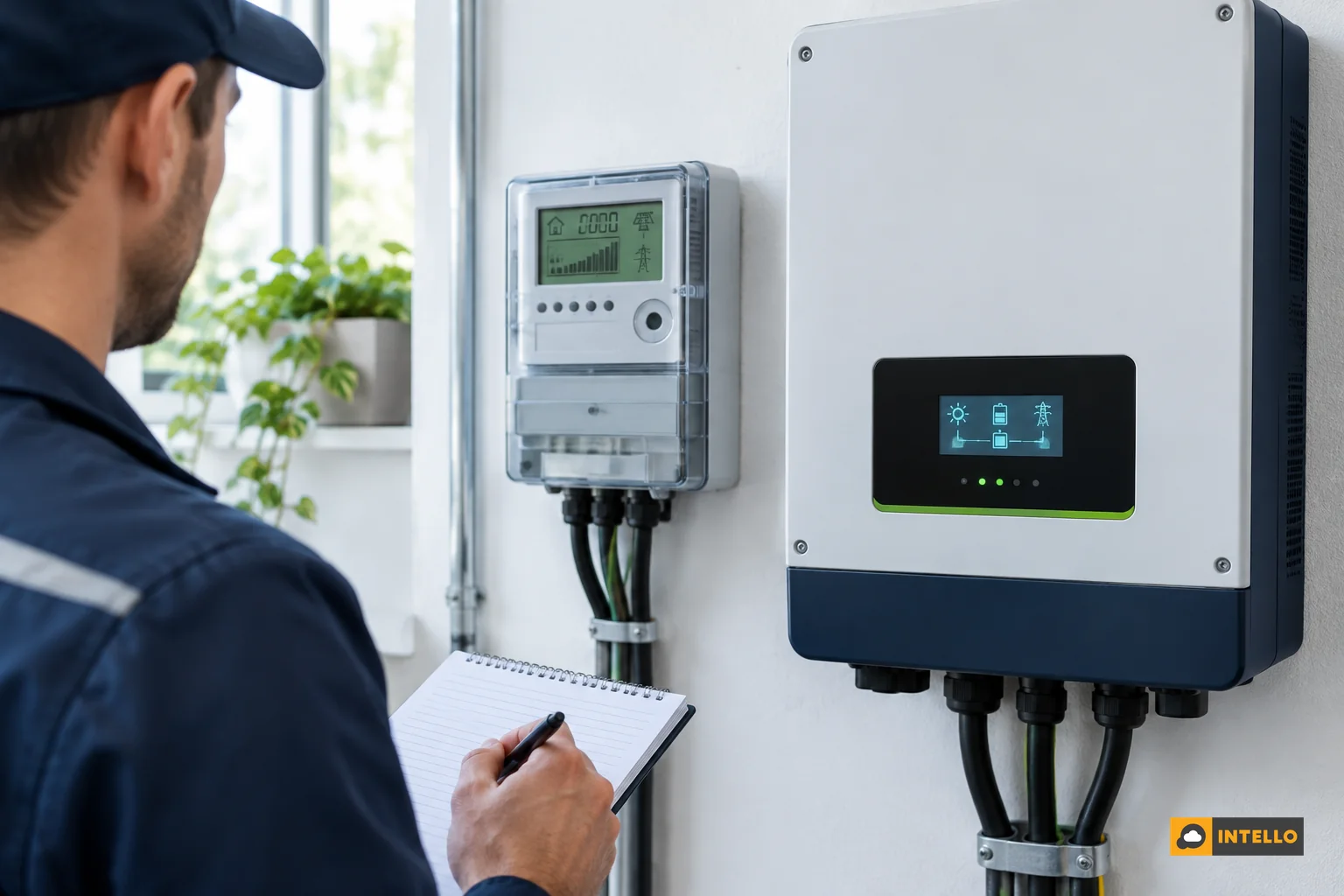
Step 1: Photograph the inverter counter
Note the lifetime energy (kWh) on the inverter display at the same time each day, ideally after sunset when the day’s production has stopped. Daily subtraction gives you a figure that does not depend on the internet. For multi-inverter sites, record each unit separately.
Step 2: Read the generation meter
A separate energy meter on the inverter output, with its own multiplier if CTs are used, is your tie-breaker. Check the meter constant on the nameplate. A forgotten multiplier can make a perfectly healthy plant look ten or a hundred times off.
Step 3: Pull the dashboard figure
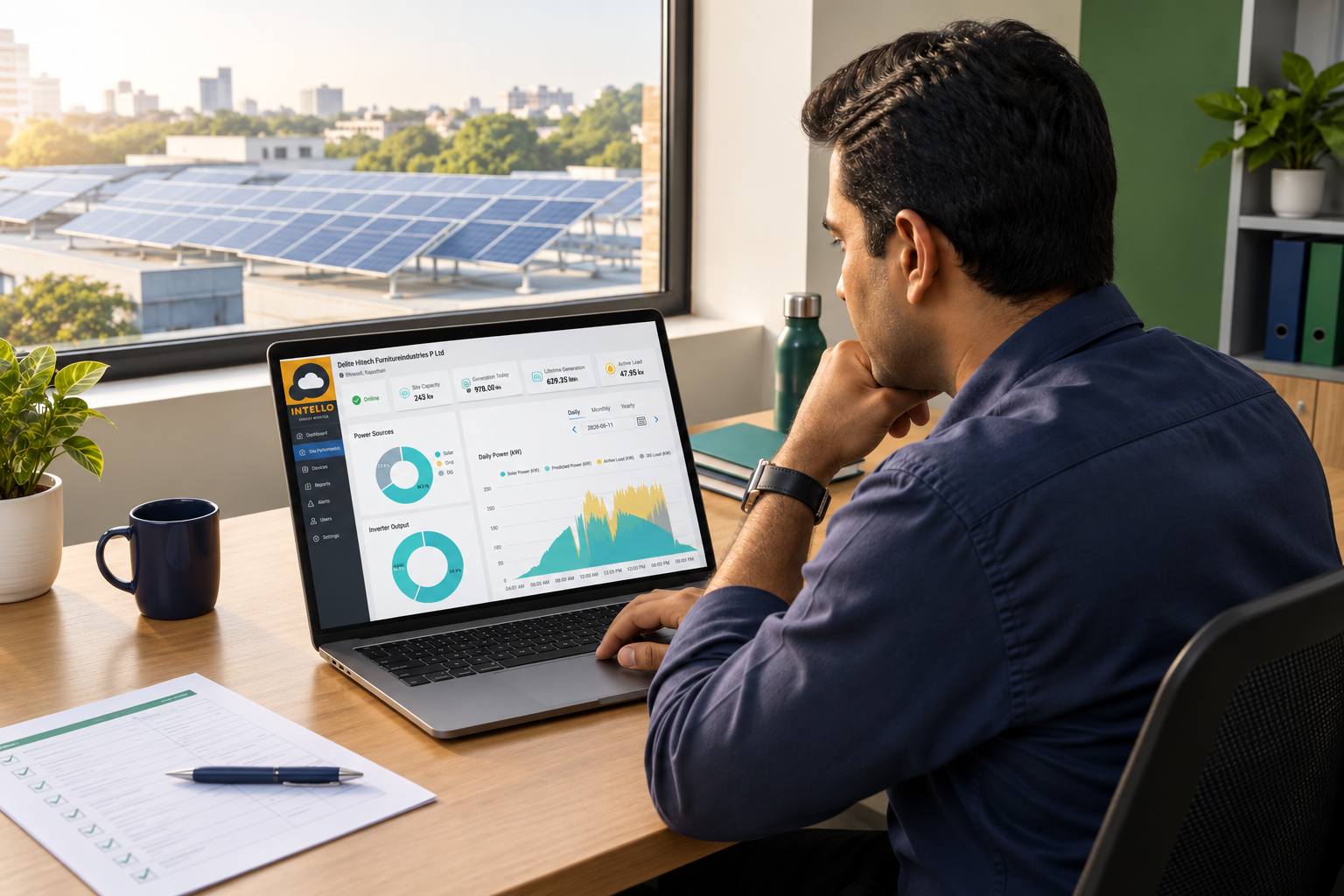
Take the dashboard’s daily energy for the same date. Note which data source feeds it: inverter registers, a generation meter, or the zero export device. This one detail explains most mismatches. Our guide to what a solar remote monitoring dashboard should show you lists the fields worth checking.
Step 4: Apply the decision rule
-
All three within a couple of percent: the numbers are sound. Look at performance, not metering.
-
Inverter and generation meter agree, dashboard is lower: the data path is wrong. Check the dashboard’s source, the CT and the communication link.
-
Inverter and generation meter disagree: suspect a multiplier, a reset counter or an inverter fault. Do not touch the dashboard until this is resolved.
-
All three agree but output is low against irradiance: the metering is fine and the plant is the problem. Move on to the field tests below.
For the last case, an irradiance sensor makes the call far easier. Our note on the pyranometer for solar plants explains why.
A worked example: reconciling a 100 kWp rooftop
The figures below are a hypothetical example to show the method. They do not describe a real customer.
Suppose a 100 kWp commercial rooftop has a zero export device. On one clear day, the inverter counters add up to 412 kWh. The generation meter reads 410 kWh. The dashboard shows 371 kWh.
-
Inverter versus generation meter: 2 kWh apart, about 0.5%. These two agree.
-
Inverter versus dashboard: 41 kWh apart, roughly 10%. The dashboard is the outlier.
The reading tells you the plant made about 410 kWh. The gap sits in the data path. On inspection, the dashboard turns out to be fed from the zero export device’s meter, whose CT covers only part of the incoming feed. Fixing the CT and re-pointing the source closes the gap.
Now flip the case. Suppose the three sources agree but production is 15% lower than similar clear days. That is not a metering fault. Either the zero export device is curtailing too hard, or something is wrong with the panels. The inverter’s status log shows power-limit flags if it is curtailment. If not, you need tests.
A caution on remote estimation. Researchers have estimated solar output from net load data, and one paper hosted by Berkeley Lab reports an RMSE of 6% of installed capacity across all sky conditions. That suits grid-level studies. For your invoice-grade units, measure directly.
Which field tests prove the panels are producing what the meter says?
Five tests prove whether panels deliver what meters report: visual inspection, IV curve tracing, thermal imaging, electroluminescence imaging and insulation resistance testing. Visual and thermal checks are cheap and frequent. IV curves quantify power loss per string. Electroluminescence finds hidden cracks. Insulation tests protect safety and find leakage that quietly cuts output.
Visual inspection
A trained eye checks for soiling patterns, shading, browning of encapsulant, snail trails, cracked glass, loose clamps, damaged cable insulation and animal nesting. It also checks the CT and zero export device enclosure for loose terminals and heat marks. It finds the cheap faults first, and it tells you where to aim the other tests. If shade is the suspect, see our shading loss diagnosis.
IV curve tracing
An IV tracer sweeps a string from short circuit to open circuit and plots current against voltage. A healthy string gives a smooth curve close to the datasheet shape, corrected for irradiance and module temperature. Steps in the curve point to bypass diode failure or partial shading.
A low slope near open circuit suggests high series resistance. Low current throughout suggests soiling or degradation. It gives you a measured power figure per string, which is the closest you get to checking the dashboard’s string data on the roof.
Thermal imaging
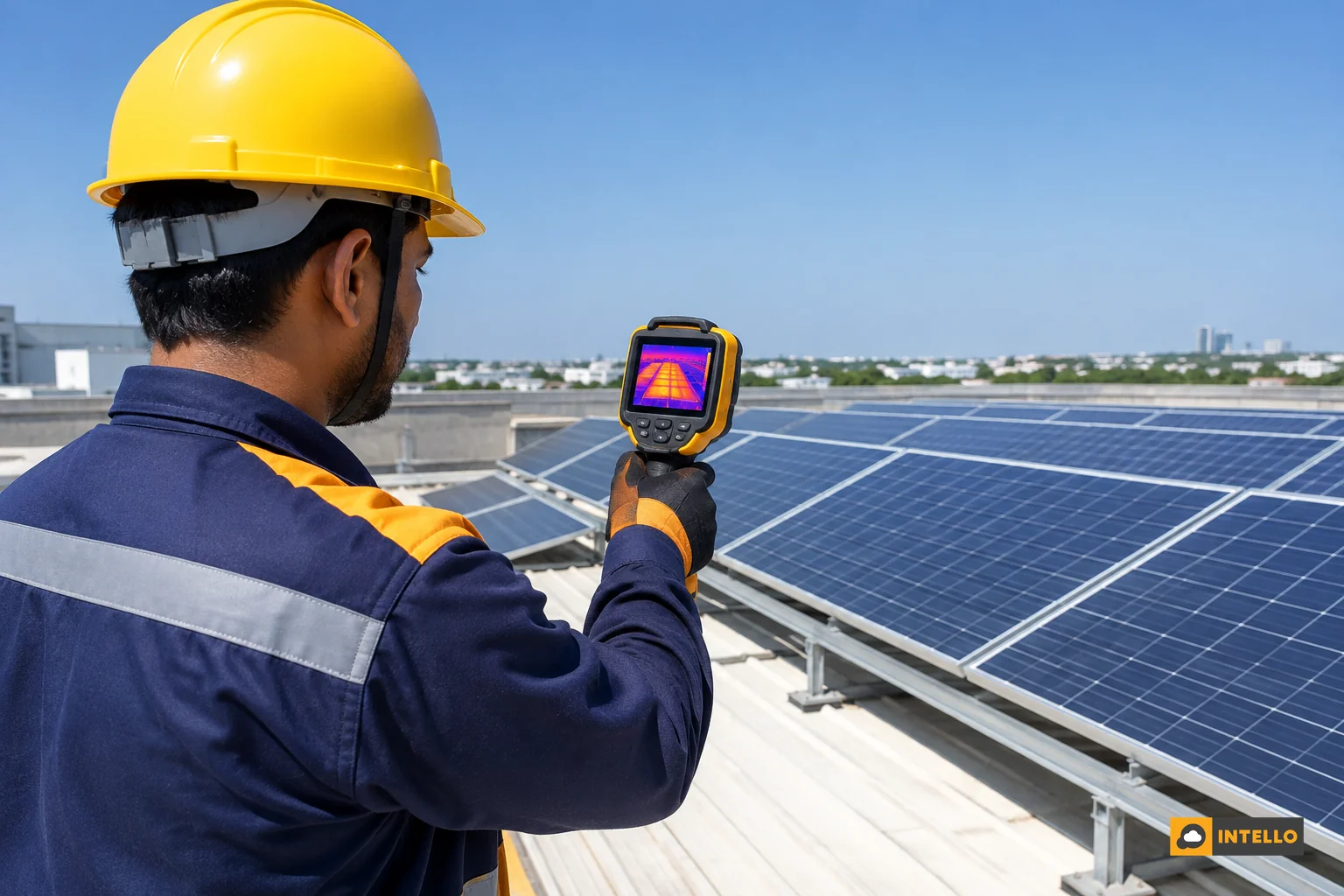
An infrared camera shows modules and connections running hotter than their neighbours. Single hot cells, hot junction boxes, overheated connectors and a whole string running warm all show up. Scan in strong, steady sun, because load is needed to reveal faults.
Thermal imaging is fast, so one technician can cover a large roof in a day. It flags where to look, but it does not quantify the lost power. Pair it with an IV trace on the flagged strings.
Electroluminescence imaging
Electroluminescence (EL) runs current through a module in the dark and photographs the light it emits. Microcracks, broken fingers and dead cell areas appear as dark patches the eye never sees. It is the most detailed test and the least routine.
Use it on suspicion: after hail, after transport damage, when IV curves show unexplained loss with a clean visual, or when evidence is needed for a dispute with a supplier. If you are heading toward a claim, our warranty claim process guide shows how evidence is used.
Insulation resistance test
The technician shuts down the plant, isolates the strings, and applies a test voltage between the live conductors and earth. Low resistance shows damaged cable insulation, water ingress or a module leaking current. Faults like these can trip the inverter on earth-fault alarms, cut generation and create a safety risk. Only qualified, equipped staff should run it, because the test uses high voltage on live DC wiring.
|
Test |
What it finds |
Limits |
|---|---|---|
|
Visual inspection |
Soiling, cracks, loose parts, damaged cables, CT and enclosure faults |
Cannot see internal or electrical faults |
|
IV curve tracing |
Per-string power loss, diode failure, mismatch, high resistance |
Needs stable sun and string access |
|
Thermal imaging |
Hot cells, hot connectors, overheating strings |
Locates faults, does not measure lost power |
|
Electroluminescence |
Microcracks and dead cell areas |
Needs darkness or lab; costly for routine use |
|
Insulation resistance |
Leakage to earth, damaged insulation, moisture ingress |
Plant must be shut down; qualified staff only |
When should you schedule each test?
Do visual inspection every quarter or at each service visit, thermal imaging and a sample of IV curves once a year, insulation resistance before each monsoon, and electroluminescence only when you suspect hidden damage. Run the full set once at commissioning as a baseline and again after any hail, fire, flood or repeated earth-fault trip.
These intervals are practical rules of thumb, not a regulatory schedule. Your EPC contract, insurer or lender may demand something stricter, so check the documents. Hot, dusty or coastal sites usually deserve the shorter end.
A simple yearly calendar
-
Before monsoon: insulation resistance test, earthing check, visual inspection and cable tightening. Our monsoon solar maintenance checklist shows what else to cover.
-
Post-monsoon, clear sun: thermal scan of the whole plant, plus IV curves on flagged strings and a few randomly chosen ones.
-
Whenever the three-source check fails: visual inspection of the CT and zero export device first, then the string tests.
-
After a physical event: full visual and thermal, then EL on affected modules.
One thing remains unsettled in practice: how many strings to IV-test on a large plant. Testing every string is expensive, and sampling can miss a lone failing string. Many teams sample, then widen the test if two or more sampled strings fall short of expectation. We lean that way for plants above a few hundred kW.
Red flags that your zero export device is misreporting
Look for these patterns before you spend on tests. Each one points at the device or its data path rather than the panels.
-
Dashboard generation is consistently lower than the inverter counter by the same percentage every day.
-
Output flattens at a suspiciously constant level around midday on a clear day, even though site load is higher.
-
The inverter log shows power-limit or export-limit events at hours when the site is busy.
-
Export or import numbers on the zero export device carry the wrong sign, such as export showing while the plant is clearly feeding the load.
-
Generation figures changed after a CT replacement, firmware update or inverter swap.
-
Monitoring shows zero or gaps while the inverter display shows live power.
If the red flags appear alongside a real slump in output, rule out other causes too. Our list of seven causes of sudden generation drops is a good second pass. Sites with Intello monitoring can use string-level data from our custom RTUs and dashboard to see which of these patterns they match.
FAQ
Does zero production in my solar app mean the panels stopped?
Not necessarily. A zero reading often means the monitoring cloud stopped receiving data from the logger or dongle, usually because of a Wi-Fi, SIM or power problem. The panels may still be producing. Check the inverter display to see whether it shows live power and a rising daily energy figure before calling anyone.
Why is my dashboard lower than my inverter display?
The dashboard may read from a different meter, such as a CT-based meter on the zero export device, or may miss data during connectivity gaps. The inverter display counts energy at its own AC output, so it is usually the better reference. A persistent gap above a couple of percent needs a CT and meter check.
Is low generation on a zero export site always a fault?
No. A zero export device deliberately reduces inverter output when the site’s load is lower than solar potential, so generation can fall on a bright day without any fault. Compare output against irradiance and the load profile. If the inverter shows a power-limit status, the plant is curtailing, not failing.
How often should I verify my generation figures?
Reconcile the three readings monthly, and weekly if the site has had a zero export device change or a dashboard mismatch. Do a full reconciliation after any CT replacement, firmware update or inverter swap. Schedule the field tests on the annual cycle described above.
Get your readings verified
Metering errors and panel faults look alike from the dashboard, and fixing the wrong one costs money. Intello’s team reconciles the inverter, generation meter and zero export device data, then runs the visual, thermal, IV curve and insulation checks that confirm what your panels are really producing.
If your numbers do not add up, request a quote for a generation audit and field testing and we will scope it for your site. Existing customers can log in to the Intello portal to compare dashboard data with their meter readings, and you can read about the Intello team and how we take responsibility for plant performance.