
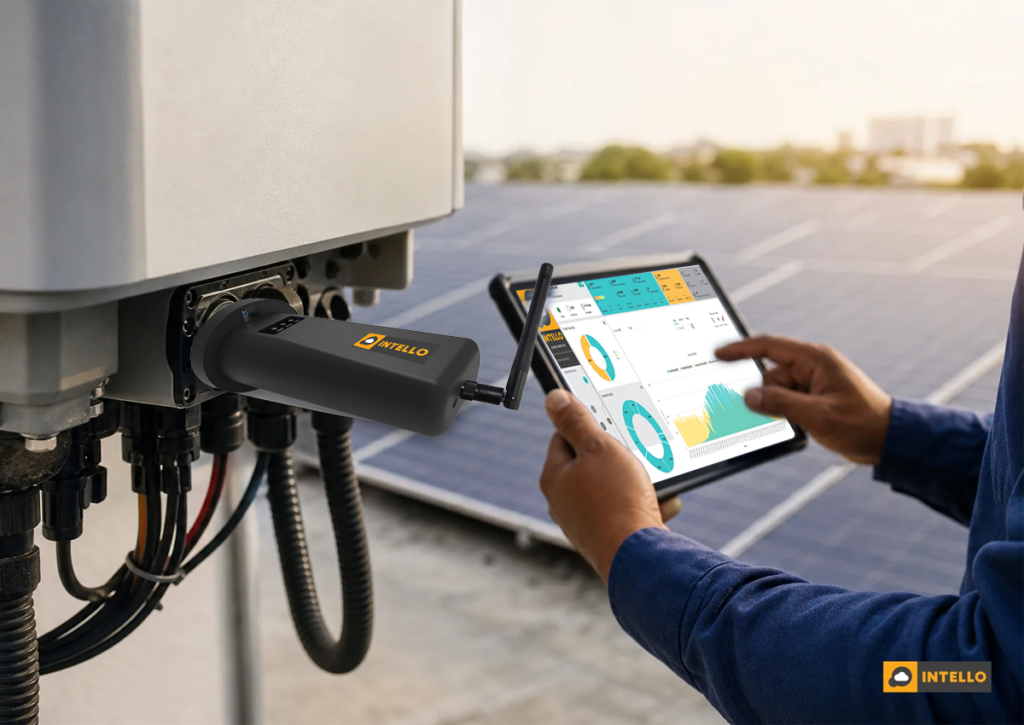
A solar monitoring dongle is a small plug-in device that connects to your inverter, reads its generation data, and sends it to a cloud dashboard so you can check output from your phone instead of walking up to the roof. It is the entry point for most remote solar tracking in India, and getting the setup right often decides whether an owner catches an underperforming string in week one or discovers it eight months later on an inflated electricity bill.
Key Takeaways
- What it does: A dongle pulls inverter-level data (generation, voltage, faults) every 5-15 minutes and pushes it to a dashboard over Wi-Fi, GPRS, or an M2M SIM.
- What it doesn’t do: Most dongles report at the inverter level, not the string level, so they can miss a single weak string dragging down 10-15% of a plant’s output.
- Setup time: A single dongle install typically takes 20-40 minutes, including physical mounting, network pairing, and dashboard registration.
- Biggest failure point in India: Rooftop Wi-Fi range and rural SIM signal strength cause more dongle downtime than the device itself.
- Data without action is wasted: A dongle only flags a drop in output; it takes a maintenance team to diagnose and fix the cause, whether that’s soiling, a loose connector, or an inverter fault.
At a Glance: Solar Monitoring Dongle Basics
| Attribute | Typical Detail |
|---|---|
| Data granularity | Inverter-level (generation, DC voltage, alarms) |
| Polling interval | 5 to 15 minutes, depending on brand and connectivity |
| Connectivity options | Wi-Fi, GPRS/2G-4G, or M2M SIM card |
| Best fit | Residential and small commercial rooftop systems |
| Not ideal for | Large ground-mounted plants needing string-level fault detection |
| Common failure point | Weak Wi-Fi signal on rooftops or low mobile signal in rural sites |
| Upgrade path | Custom RTU for string-level monitoring on larger or multi-site portfolios |
1. What a Solar Monitoring Dongle Actually Does
A solar monitoring dongle is a compact communication module, usually about the size of a matchbox, that slots into a data port on your solar inverter. Once connected, it reads the inverter’s internal registers: how many units you generated today, the current DC voltage, whether any fault code has been thrown, and sends that data out over a network connection.
Think of it as the inverter’s translator. Inverters store performance data internally, but that data is useless if nobody can see it without physically standing at the machine. The dongle bridges that gap by pushing readings to a cloud server, where a dashboard or mobile app turns raw numbers into a chart you can check from anywhere in India, whether your rooftop is in Nagpur or your office is three states away.
Most residential and small commercial systems ship with a manufacturer’s own dongle bundled with the inverter. It works, but it is usually limited to that one brand’s app and gives you inverter-level totals only. It won’t tell you which specific string of panels underperformed on a cloudy afternoon, only that the whole system produced less than expected.
2. How the Dongle Talks to Your Dashboard: The Data Path
The journey from sunlight to a number on your screen has four steps. First, the inverter converts DC power from your panels into AC and logs performance data internally. Second, the dongle reads that data through a wired or short-range wireless link to the inverter. Third, it transmits the reading to a cloud server using whatever network it’s connected to, Wi-Fi, a mobile data connection, or a dedicated M2M SIM built for machine-to-machine transmission. Fourth, the server processes that data and displays it on a dashboard or app.
Polling intervals typically range from five to fifteen minutes. That’s frequent enough to spot a sudden inverter shutdown within the hour, but it’s not the same as real-time string-level monitoring. If you manage multiple sites and need finer detail, our guide on centralized solar monitoring across multiple sites in India walks through what a step up in data granularity actually looks like.
One thing worth knowing: a communication dropout doesn’t always mean your system stopped generating. It often just means the dongle lost its network connection. Confusing the two is one of the most common support calls we field from residential owners.
3. Dongle vs RTU vs Datalogger: Which Fits Your Site
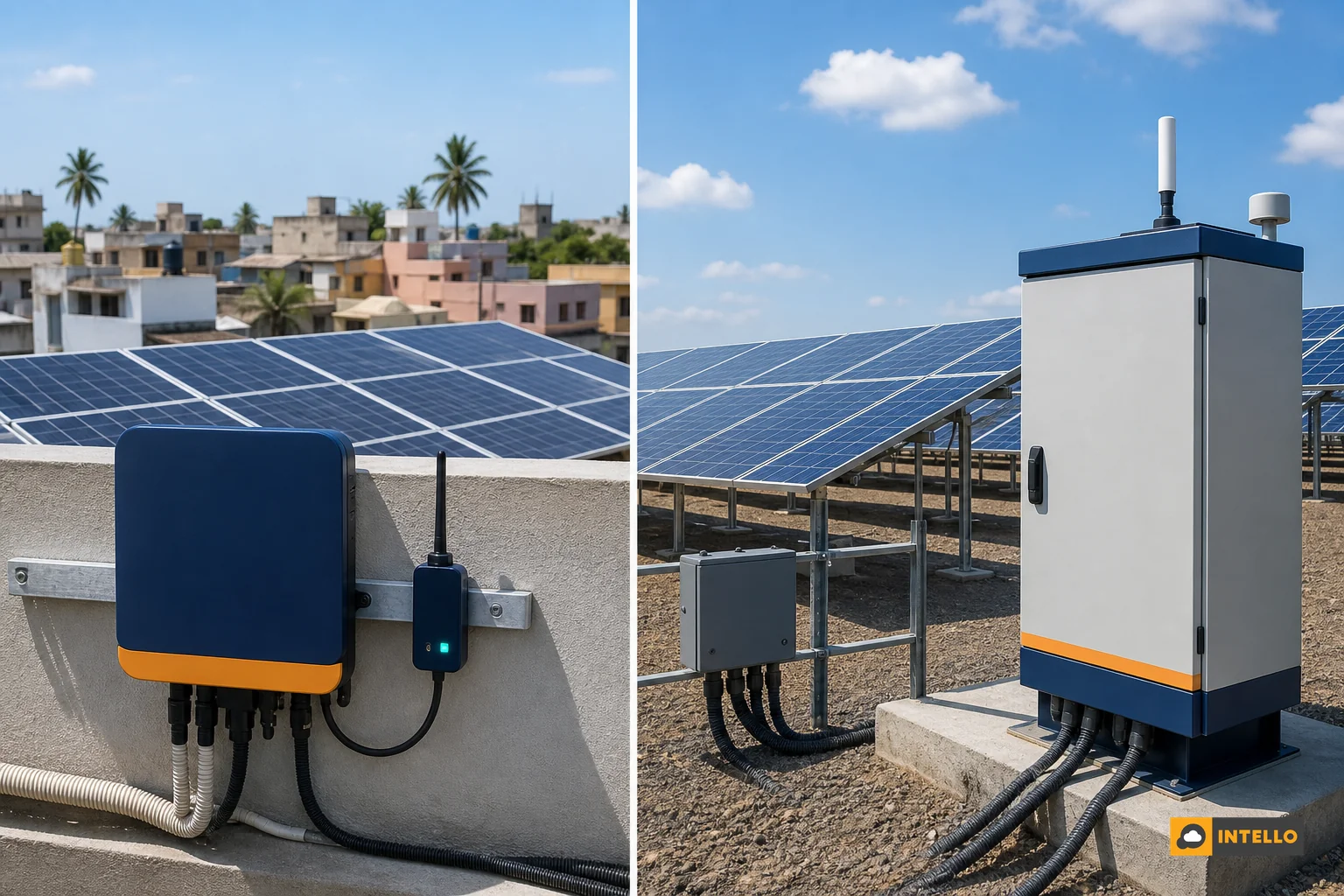
A dongle, a datalogger, and a Remote Terminal Unit (RTU) all move data from your solar equipment to a dashboard, but they differ sharply in how much detail they capture and how they hold up on larger or more complex sites.
| Feature | Solar Dongle | Datalogger | Custom RTU |
|---|---|---|---|
| Typical site size | Residential, small commercial (under 50 kW) | Mid-size commercial (50-500 kW) | Large commercial, ground-mounted, multi-site portfolios |
| Data granularity | Inverter-level only | Inverter-level, sometimes combiner box | String-level current and voltage |
| Fault detection depth | Basic (inverter trips, generation drop) | Moderate | High (single weak string identified) |
| Connectivity resilience | Depends on rooftop Wi-Fi/SIM | Usually wired with backup SIM | Industrial-grade, built for outdoor and remote sites |
| Best for | Homeowners, single small sites | Commercial owners wanting more than basic totals | EPCs and asset owners managing portfolios at scale |
If you’re deciding between these three for a specific project, our detailed breakdown on RTU vs datalogger solar monitoring comparison goes deeper into the trade-offs, including cost and installation complexity.
4. Setting Up a Solar Monitoring Dongle: Step-by-Step
Getting a dongle working correctly the first time saves you weeks of confusing gaps in your generation history. Here’s the sequence most installers follow:
- Mount the dongle into the inverter’s designated communication port, usually an RS485 or Wi-Fi module slot near the base of the unit.
- Pair the network connection, either connecting it to your rooftop Wi-Fi network or activating the bundled M2M SIM card if the site has weak or no Wi-Fi coverage.
- Register the device on the manufacturer’s or O&M provider’s dashboard using the dongle’s unique serial number or QR code.
- Set alert thresholds, such as a generation drop of more than 15% against the expected baseline, or any inverter fault code, so you get notified instead of having to check manually every day.
- Run a 48-hour test to confirm data is flowing consistently before considering the install complete.
If your system has been generating unexpectedly low output despite the dongle showing “normal” status, that gap between what the dongle reports and what your bill reflects is usually explained in our post on why your solar bill is still high after installation.
5. What to Watch For on Your Dashboard Daily
Once your dongle is transmitting data, the dashboard becomes your daily check-in point. Three things matter most. First, compare today’s generation against an expected baseline for the season and weather, not against yesterday’s number alone. Second, check inverter status for any fault codes, even minor ones that clear themselves, because repeated minor faults often signal a bigger issue forming. Third, watch for communication gaps longer than a few hours, since a silent dongle can hide a real problem behind what looks like a connectivity issue.
A well-designed dashboard makes this a 30-second habit rather than a research project. We cover exactly what a good one should surface in Solar Dashboard: What Should It Show You Daily?
6. Common Dongle Problems and Fixes for Indian Sites
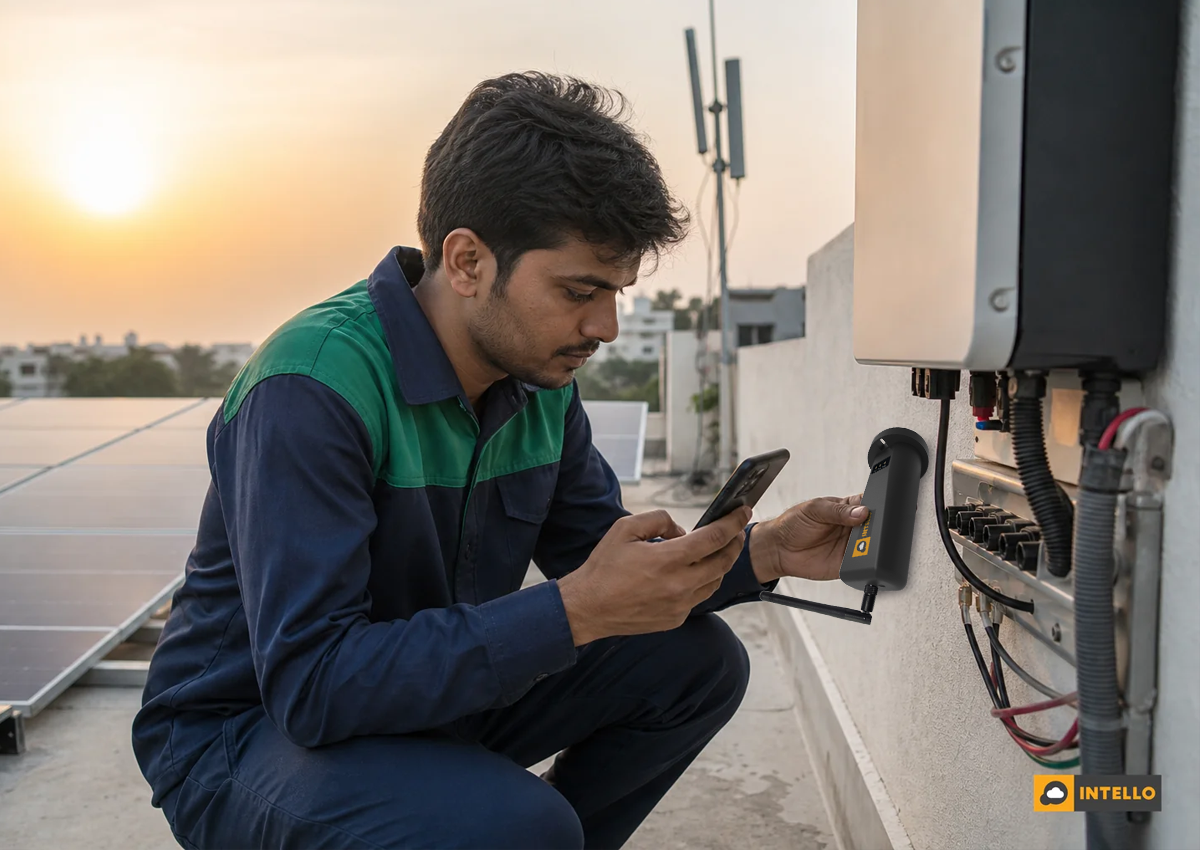
Indian rooftops and rural ground-mounted sites throw up a few recurring dongle problems. Rooftop Wi-Fi range is the most common: a router sitting two floors below the inverter often can’t maintain a stable signal, causing intermittent data gaps that look alarming but are purely connectivity issues. The fix is usually a Wi-Fi extender near the inverter or switching to a SIM-based dongle.
In rural or semi-urban sites with weak mobile network coverage, an M2M SIM built for industrial data transmission performs far better than a standard consumer SIM. Our post on multi-site monitoring setups touches on how connectivity choices scale across a portfolio.
Firmware updates are another quiet cause of data gaps. A dongle mid-update can drop offline for a few minutes, which is harmless, but if your alerting system misreads that as an inverter fault, it creates unnecessary panic. A good O&M partner filters this noise before it reaches you.
7. Why a Dongle Alone Isn’t Enough: Monitoring Plus Maintenance
Here’s the part that’s easy to miss: a dongle tells you something changed. It doesn’t tell you why, and it definitely doesn’t fix it. If your dashboard shows a 12% generation drop, that number could mean dust buildup on your panels, a loose connector at the combiner box, or an inverter component starting to fail. Someone still has to visit, diagnose, and act.
This is where monitoring and maintenance need to work as one system, not two separate services. Owners who rely on a bare dongle with no maintenance backup often let small issues compound for months. Our comparison of preventive vs breakdown solar maintenance shows how much that delay actually costs over a year.
Intello combines monitoring dongles and custom-built RTUs with on-ground preventive maintenance teams across India, so a flagged drop in generation triggers an actual site visit and repair, not just an alert you have to chase down yourself. For commercial and residential owners weighing whether to bundle monitoring with an AMC, our guide on Solar AMC vs O&M contract differences is a useful next read, and homeowners specifically can check what results look like a year in through residential solar AMC benefits in India.
Frequently Asked Questions
Is a dongle enough for a home rooftop system?
For a small residential system, a basic dongle covers most needs since inverter-level data is usually sufficient to spot a total system failure or a significant output drop. It won’t catch a single underperforming panel or string, but for most homes that level of detail isn’t essential.
Does a solar monitoring dongle work without internet?
No. A dongle needs an active network connection, Wi-Fi or a mobile/SIM-based link, to transmit data. Without connectivity, it will store limited data locally at best, but you won’t see live updates on your dashboard until the connection is restored.
Can EPC companies use dongle data to report to their clients?
Yes. Many EPC companies use dongle or RTU data feeds to build branded performance reports for clients, which helps with retention and reduces disputes over whether a system is underperforming.
How much does a solar monitoring dongle cost?
Costs vary by brand, connectivity type (Wi-Fi vs SIM-based), and whether it’s bundled with the inverter or purchased separately. Contact Intello for current pricing and to discuss what fits your specific site size and location.
If your system’s dongle keeps dropping connection, showing inconsistent data, or you simply don’t trust that alerts will translate into action, it’s worth pairing your monitoring hardware with a team that actually responds to what the data shows. Request a quote from Intello to get a monitoring and maintenance setup built for your site, whether that’s a single rooftop or a multi-location commercial portfolio. Existing customers can check live generation data anytime through the Portal Login, and you can read more about our approach to integrated solar O&M on our About page. For any other questions, Contact Us directly.
