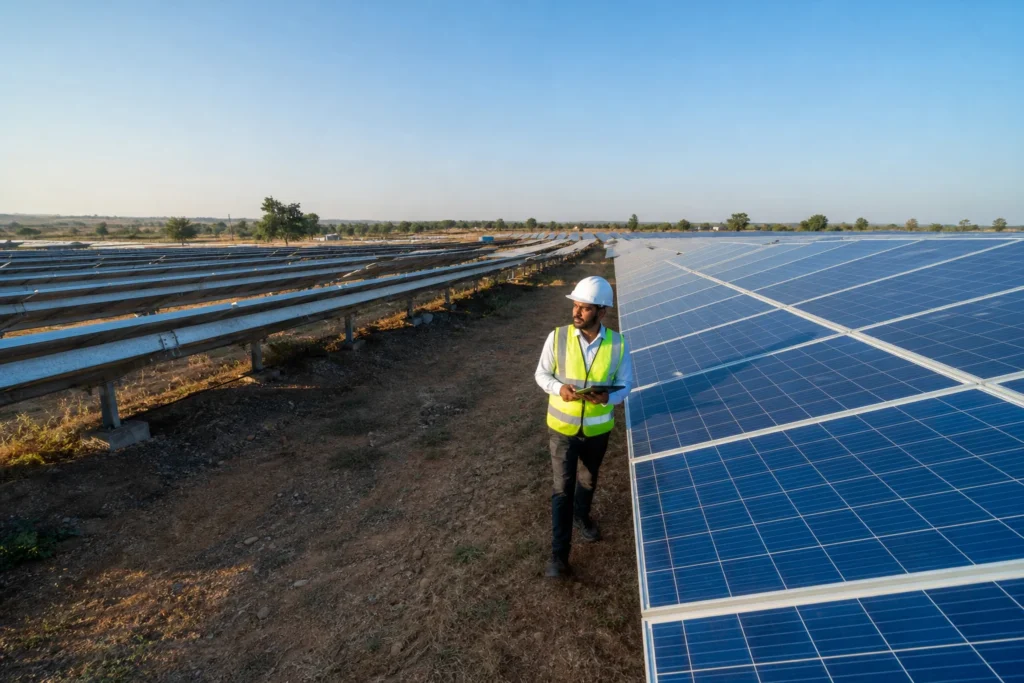
A solar remote monitoring alert needs immediate attention when it points to hardware risk or total production loss: a string showing zero current in full sun, an inverter stuck in a grid-fault restart loop, or an earth-fault trip that repeats within minutes.
A connectivity gap, by contrast, is the RTU or the dongle going quiet while the inverter itself may be running fine. Confusing the two wastes technician visits on one hand and lets real damage sit unattended on the other.
Key Takeaways
- Zero current on one string during full sun: treat this as urgent; it almost always means a blown fuse, a tripped breaker, or a connector failure, not a monitoring error.
- Repeated inverter restart loops: an inverter that trips and restarts more than two or three times an hour risks IGBT or capacitor damage and needs a technician the same day.
- Offline RTU with a live inverter display: this is usually a connectivity gap (SIM, router, or power supply to the logger), not a plant fault, and rarely justifies an emergency site visit.
- Sunlight reflection can mimic a thermal fault: glare off tilted modules or nearby metal can trigger false hot-spot alerts, so cross-check with a second data point before dispatching.
- Evidence beats a phone call: a timestamped screenshot, the fault code, affected string or inverter ID, and local weather at that minute get a technician moving faster and with the right spare part.
At a Glance: Alert Severity and Action
| Alert Type | Likely Cause | Urgency | Action |
|---|---|---|---|
| String current at zero, full sun | Fuse, breaker, connector, or cable fault | High | Dispatch technician within hours |
| Inverter grid-fault restart loop | Grid instability or internal protection fault | High | Dispatch same day |
| Earth fault / insulation resistance alarm | Cable damage, water ingress | High | Dispatch same day, de-energise if repeating |
| Gradual string underperformance (5-15%) | Soiling, partial shading, module mismatch | Medium | Schedule within the week |
| RTU or dongle offline, inverter display live | SIM, router, or logger power issue | Low | Remote reset; no site visit unless prolonged |
| Thermal “hot-spot” alert at midday | Possible sunlight reflection, not a fault | Low to Medium | Verify with a second reading before dispatch |
| Entire site offline, no data at all | Power outage or gateway failure at site | Medium | Call site security/guard to confirm power status first |
Why Every Alert Shouldn’t Trigger a Truck Roll
A commercial plant generates dozens of notifications a week once voltage, temperature, and communication thresholds are all switched on. Most of them are noise. Sending a technician for each one is expensive and, worse, it trains your team to start ignoring alerts altogether.
The industry is actively working on this problem. Thermal imaging systems used in solar monitoring have started flagging sun glare off module glass or nearby metal roofing as a false “hot spot,” prompting a wasted dispatch.
New reflection-analysis capability launched for solar monitoring is specifically built to separate genuine thermal faults from sunlight glare before an alert reaches a human. That is the direction monitoring platforms are moving: fewer, more trustworthy alerts rather than more alerts.
Until your platform filters that noise automatically, the job falls to whoever is watching the dashboard. A simple rule helps: an alert that resolves itself within 15-20 minutes, without any corresponding drop in daily energy yield, usually isn’t worth a visit. Our guide on what a solar remote monitoring dashboard should show you covers the baseline metrics worth watching before you start triaging alerts.
What Counts as a Connectivity Gap, Not a Fault?
A connectivity gap is any alert where the monitoring link has failed, not the solar plant itself. The inverter may still be generating normally; only the logger or RTU stopped reporting data.
Check the inverter’s own local display or front panel first, if you can reach it, or ask a site guard to look. If the inverter screen shows normal voltage and current but the dashboard shows “no data,” that’s a logger or SIM issue, not an electrical fault.
RTUs lose signal for mundane reasons: a SIM running low on data, a power cut to the control panel, or a loose Ethernet cable after cleaning crew work nearby.
The giveaway is timing. A genuine fault shows a sudden drop in generation values right up to the last reported timestamp. A connectivity gap shows the last reported values looking completely normal, followed by a flat line with no data at all, rather than a crash to zero. For a deeper read on how RTUs behave during outages, see our piece on RTU vs datalogger solar monitoring comparison.
Which Inverter Alerts Need Immediate Attention?
An inverter alert needs immediate attention when it signals a repeating protection trip, an overheating condition, or an earth fault. These risk permanent hardware damage or production loss measured in full days, not hours.
Four inverter alerts belong in the urgent category:
- Grid-fault restart loops: the inverter trips on a grid anomaly, restarts, and trips again within minutes. Two or three cycles an hour is tolerable during grid instability; more than that for over an hour suggests an internal protection circuit fault, not just a weak grid.
- DC overvoltage or overcurrent trips: especially right after a string reconfiguration or a module swap, these point to a wiring mismatch that can damage the inverter’s input stage if left running.
- High internal or IGBT temperature alarms: if this appears on a day that isn’t unusually hot, suspect a failed cooling fan or blocked ventilation, both of which shorten inverter life fast.
- Earth fault / insulation resistance alarms: these usually mean water has entered a junction box or cable gland. A repeating earth fault alarm, especially after rain, should trigger a same-day visit and, if it keeps tripping, a remote shutdown until a technician inspects it.
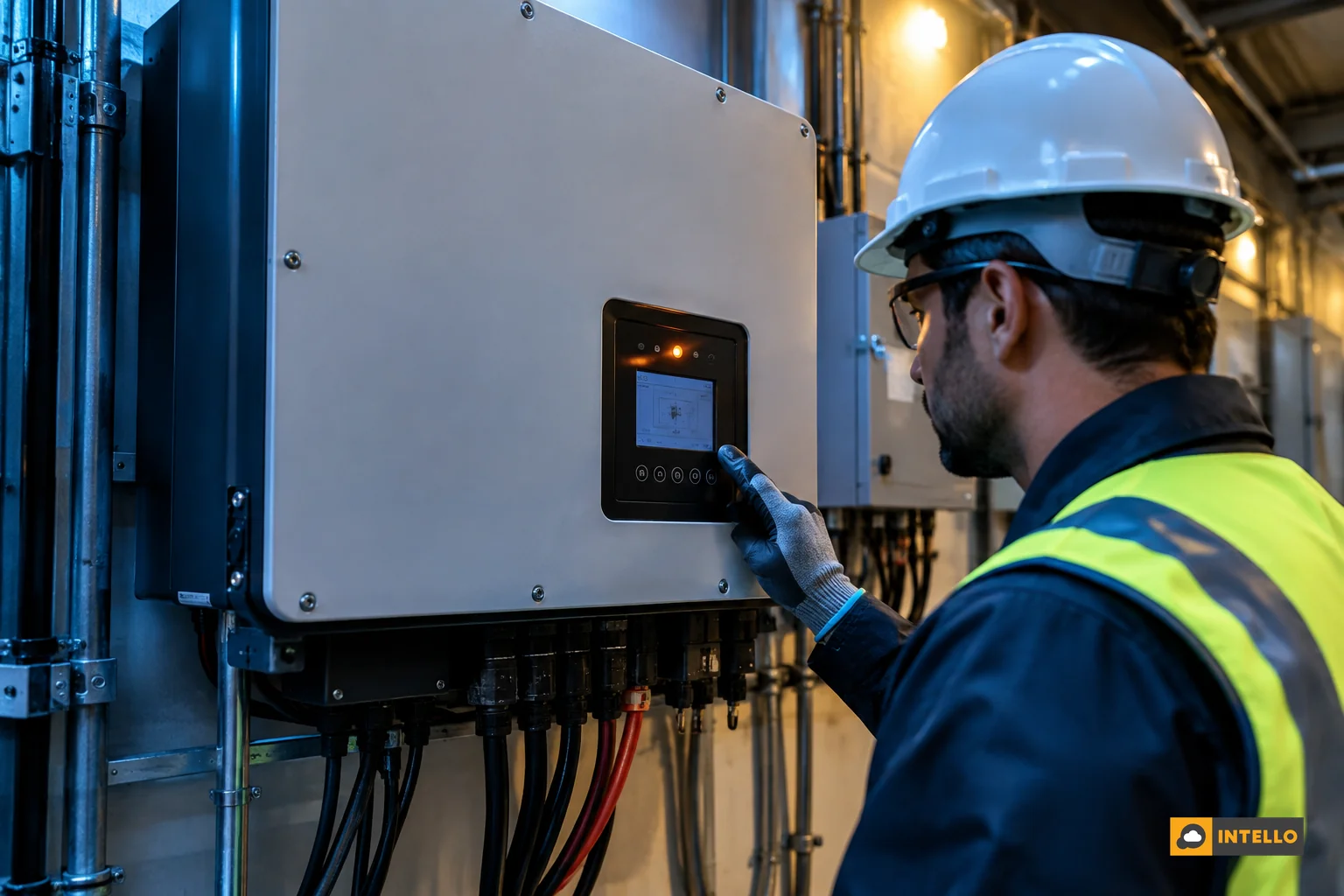
Compare that against a routine low-irradiance shutdown at dusk or a brief trip during a grid voltage sag that resolves on its own. Both generate the same alert category in many dashboards but need zero action. If your team can’t tell these apart reliably, our solar inverter problems troubleshooting guide walks through fault codes by inverter brand.
Which String Faults Need Immediate Attention?
A string fault needs urgent action when current drops to near zero on one string while every other string on the same inverter, under the same sun, keeps producing normally. That pattern rules out weather and points to a physical break: a blown fuse, a failed connector, or a cable chewed by rodents.
A gradual decline over days or weeks is a different problem. Five to fifteen percent underperformance on a string usually traces to soiling, a growing shadow from a nearby structure, or a handful of degraded modules, none of which demand same-day dispatch. Schedule those within the week as part of routine preventive work.
The distinction that matters most: sudden and total versus gradual and partial. The first is a fault; the second is drift that preventive maintenance will catch.
String-level diagnostics have gotten sharper recently. Researchers have demonstrated an AI-assisted method that estimates module-level power losses from a single luminescence image, useful for confirming whether a flagged string has a genuine cell-level defect before a crew is sent out with the wrong part.
That kind of pre-visit confirmation matters most on sites where a truck roll means a multi-hour drive. Our guide on IoT sensors detecting solar faults covers how sensor-level data narrows this down before a technician ever leaves the office.
How Do You Tell a Real Fault From a Monitoring Glitch?
You confirm a real fault by checking three things together: whether the drop lines up with actual weather at that moment, whether neighboring strings or inverters on the same site show the same dip, and whether the anomaly persists past 20-30 minutes rather than resolving itself.
Weather is the fastest filter. A cloud bank passing overhead drops every string on site at once, briefly. A genuine fault drops one string or one inverter while its neighbors keep producing at full output under the same sky.

Thermal alerts deserve particular scrutiny. Sun reflecting off a module’s glass surface, a nearby metal roof sheet, or even a parked vehicle can register as a hot spot on infrared-based monitoring, especially in the late afternoon when sun angle is low.
Reflection-filtering capability built specifically for solar thermal monitoring exists now to catch this before it reaches an alert queue, but not every platform has it switched on yet. If your system flags a “hot module” alert, check the sun angle and the module’s orientation before assuming a cell-level defect.
Duration is the final check. A fault that resolves itself inside 15-20 minutes with no corresponding dip in the day’s total yield is very likely a sensor glitch or a brief grid event, not a plant fault worth escalating.
Escalation Checklist: Evidence to Collect Before You Call a Technician
Before you escalate a solar remote monitoring alert to a technician, gather the following. It turns a vague “something’s wrong” call into a dispatch with the right spare part already in the van.
- Exact timestamp of when the alert first fired, not when you noticed it.
- Fault code or alert text exactly as shown on the dashboard, copied or screenshotted.
- Affected string, inverter, or combiner box ID so the technician knows exactly where to start.
- Weather at that time: was it sunny, overcast, or raining? Note any wind or recent storm.
- Behavior of neighboring equipment: did other strings on the same inverter also dip, or just this one?
- Duration: has it persisted past 30 minutes, or did it clear on its own?
- Recent site activity: cleaning crew, module swap, or any ground work in the last 48 hours.
This is the same evidence a well-run O&M desk logs automatically into a service ticket. For plants under an AMC or O&M contract, this checklist should already be part of the agreed escalation clause, so there’s no ambiguity about who decides a visit is warranted.
Building an Escalation Matrix for Your Site
An escalation matrix needs three tiers at minimum: alerts that trigger an automatic same-day visit, alerts that get logged and reviewed at the next scheduled maintenance, and alerts that are suppressed or auto-closed if they clear within a set window.
Assign each tier a response-time target and a named recipient, not just a group email. A grid-fault loop or earth-fault alarm should page the on-call technician directly. A gradual soiling-driven dip can wait for the weekly report. An RTU dropout under two hours can auto-close without anyone being paged at all.
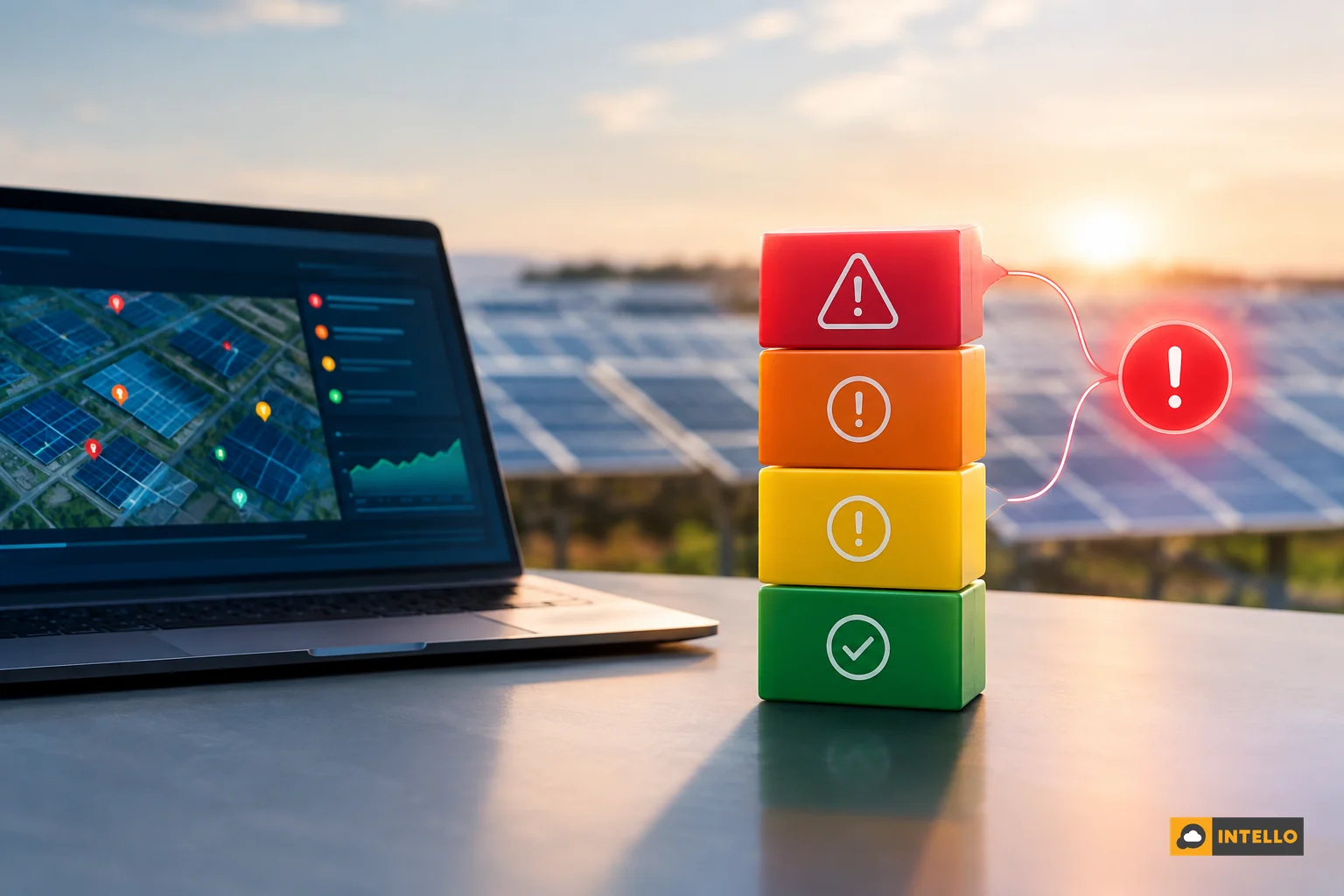
Multi-site portfolios need this structured even more than single plants, since the same alert volume multiplies across every rooftop or ground-mounted asset under management.
Remote monitoring deployments on larger installations, including recent commissioning work on multi-megawatt PM-KUSUM solar plants in Rajasthan, are built around exactly this kind of tiered alerting so that one control room can track output across many sites without being flooded by low-priority noise. If you manage several locations, our guide to centralized solar monitoring across multiple sites in India goes into setting up that structure in detail.
Frequently Asked Questions
How does a solar tracking mechanism affect fault alerts?
A faulty or stuck solar tracker can look like a string fault because output drops as the panels fall out of alignment with the sun. Check whether the tracker’s position matches the actual sun angle before assuming an electrical fault on the string itself.
Why does my solar app show an alert but generation looks normal?
This usually means the alert threshold is set too sensitively, catching momentary voltage fluctuations that self-correct. Review the daily and weekly yield trend, not just the alert, before deciding whether to escalate.
Can weather alone explain a sudden drop in solar output?
Yes, for the whole site at once. If only one string or inverter dips while neighboring equipment under the same sky keeps producing, weather is not the explanation, and the alert deserves escalation.
Turning Alerts Into Action
Getting this triage right protects both your uptime and your maintenance budget. Dispatch too often on low-priority alerts and your AMC costs climb without a matching rise in generation. Dispatch too slowly on a real inverter fault and you risk a multi-day outage plus a possible hardware replacement.
Intello’s monitoring dashboard and on-ground technician network are built around exactly this distinction, tagging each alert by severity and attaching the evidence a technician needs before a visit is even scheduled. If your current setup is generating alerts you can’t confidently act on, request a quote to see how a properly triaged alert system changes your response times.
Existing customers can check live status anytime through the Intello portal login, and if you’d like to understand the full scope of our O&M approach first, you can learn more about Intello before you commit.